
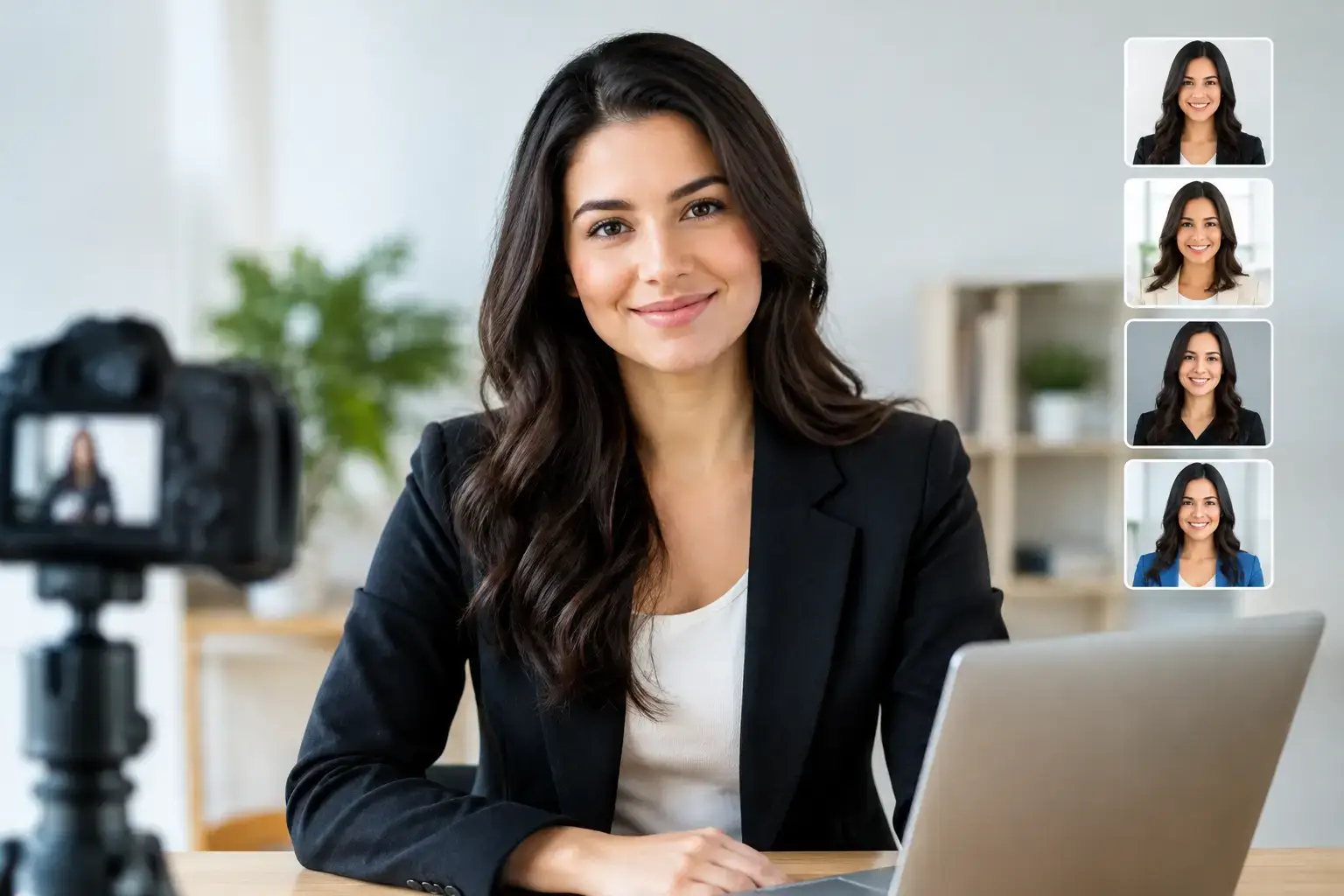

A strong headshot does not replace a targeted resume or a well-prepared interview, but it can make your candidate profile feel more complete and credible. The best professional headshot tools help you create that first impression without booking a studio session, spending hours editing photos, or submitting an image that does not look like you.
For job seekers, the goal is not a dramatic makeover. It is a clear, current, approachable image that fits the role and supports the professional story your resume tells. AI headshot generators, photo editing platforms, and traditional photography services can all work. The right choice depends on your budget, timeline, privacy preferences, and how much control you want over the final result.
What Makes a Headshot Work for a Job Search?
A useful professional headshot is simple. Your face should be well lit, in focus, and easy to recognize. Clothing should match the level of professionalism expected in your field, while the background should be uncluttered enough that it does not compete with you.
For most applications, a chest-up or shoulders-up image with a natural expression is the safest choice. A polished headshot can support your profile on career platforms, employer directories, portfolios, and professional communications. It should still be an honest representation of how you look when you enter an interview.
That last point matters when comparing AI tools. The strongest results improve presentation through lighting, framing, and background choices. They should not change your face, body shape, age, or defining features so heavily that a hiring manager would struggle to recognize you.
7 Best Professional Headshot Tools to Consider
1. HeadshotPro for fast business-ready options
HeadshotPro is designed specifically for AI-generated business portraits. Users upload a set of personal photos, select a style, and receive multiple headshot variations. Its appeal is speed: you can review a range of poses, clothing styles, and office-like backgrounds without coordinating a photo shoot.
This is a practical option for candidates who need a professional-looking image quickly and want several usable choices. The trade-off is that AI outputs can vary. Review every image closely for facial accuracy, hands, jewelry, hair texture, and clothing details before using it in an application.
2. Aragon AI for role-specific visual styles
Aragon AI creates AI headshots with options that can feel more tailored to a professional setting. That can be useful if you are applying across different environments, such as corporate operations, consulting, sales, technology, or creative roles.
The advantage is flexibility. You may be able to generate a conservative portrait for a finance application and a slightly more relaxed image for a startup role. Still, restraint is usually the better choice. Select the image that looks most like a high-quality version of you, not the one with the most elaborate setting or styling.
3. BetterPic for more control over variations
BetterPic is another AI headshot platform built around generating a collection of professional images from uploaded photos. It can be a good fit for job seekers who want options instead of committing to one image immediately. Multiple outputs let you compare expressions, crops, backgrounds, and wardrobe choices against the type of role you want.
More options can also create decision fatigue. Narrow your selection by asking a direct question: Does this image look credible for the position I want next? If the answer is uncertain, choose the cleaner, more natural alternative.
4. Secta AI for a broad set of generated portraits
Secta AI is geared toward producing numerous AI-generated headshots and style variations. For a candidate changing careers or building a new professional presence, that volume can be helpful. You can test a few conservative looks without repeatedly arranging photography sessions.
The caution is consistency. Do not use vastly different AI portraits across your application materials. Pick one image that accurately represents you and use it consistently wherever a headshot is appropriate. Consistency makes your professional identity easier for employers to recognize.
5. Canva for simple cleanup and layout control
Canva is not a dedicated AI headshot service, but it is a useful tool when you already have a decent photo. You can crop an image, correct basic brightness and contrast, remove a distracting background, and create a clean final file without advanced design experience.
Canva works best when the source photo is already strong. It will not solve poor lighting, a blurry camera, or an awkward angle. Think of it as a finishing tool: use it to refine a good image rather than rescue a weak one.
6. Adobe Express for polished photo adjustments
Adobe Express offers accessible editing features for candidates who want more refinement than a basic crop. It can help with background cleanup, lighting adjustments, resizing, and subtle visual corrections. This is especially useful when you have a photo taken in natural light that needs a more professional finish.
Avoid over-editing. Heavy smoothing, intense filters, and artificial color changes can make a headshot feel less trustworthy. A clean crop, balanced exposure, and a neutral background usually deliver a better result than aggressive enhancement.
7. A local professional photographer for the most reliable accuracy
AI tools are efficient, but a professional photographer remains the strongest option when image accuracy, personal direction, and quality control matter most. This can be worth the investment for executives, client-facing professionals, consultants, speakers, and candidates pursuing senior-level positions.
A photographer can direct posture, expression, lighting, and framing in real time. You also avoid common AI errors and know the final photo reflects your current appearance. The trade-off is cost and scheduling, but one well-executed session can provide a durable asset for years with occasional updates.
How to Choose Between AI and Traditional Headshots
Start with your timeline. If an application deadline is close and you need a polished image quickly, an AI headshot generator may be the most practical route. Upload photos that show your face clearly in different lighting and angles, then choose the most accurate result.
Consider a traditional photographer when your role depends heavily on relationship-building, public visibility, or personal brand credibility. It is also the better choice if AI-generated images repeatedly produce results that look overly stylized or slightly unlike you.
Budget matters, but it should not be the only factor. A free phone photo taken near a window and cleaned up in Canva can outperform an expensive AI portrait that looks unnatural. The best tool is the one that produces an authentic, professional result you can use with confidence.
A Quick Quality Check Before You Use Your Image
Before adding a headshot to a professional profile or application, inspect it at full size and on a mobile screen. Your eyes should look natural, your face should be sharp, and the crop should leave enough space around your head and shoulders. Check for visual errors around glasses, ears, hair, collars, and hands.
Then compare the image with your resume. If your resume positions you as a detail-oriented analyst, project manager, nurse, designer, or account executive, the photo should reinforce a similarly polished and grounded impression. A headshot is a supporting asset, not the center of your application strategy.
Use the same performance mindset across your job search. An optimized resume, role-specific cover letter, strong interview preparation, and a credible headshot all make it easier for employers to understand your value quickly. Dr.Job helps candidates bring those moving parts into a faster, more focused workflow.
Choose the image that looks like the candidate an employer will meet: prepared, capable, and ready for the next opportunity.