
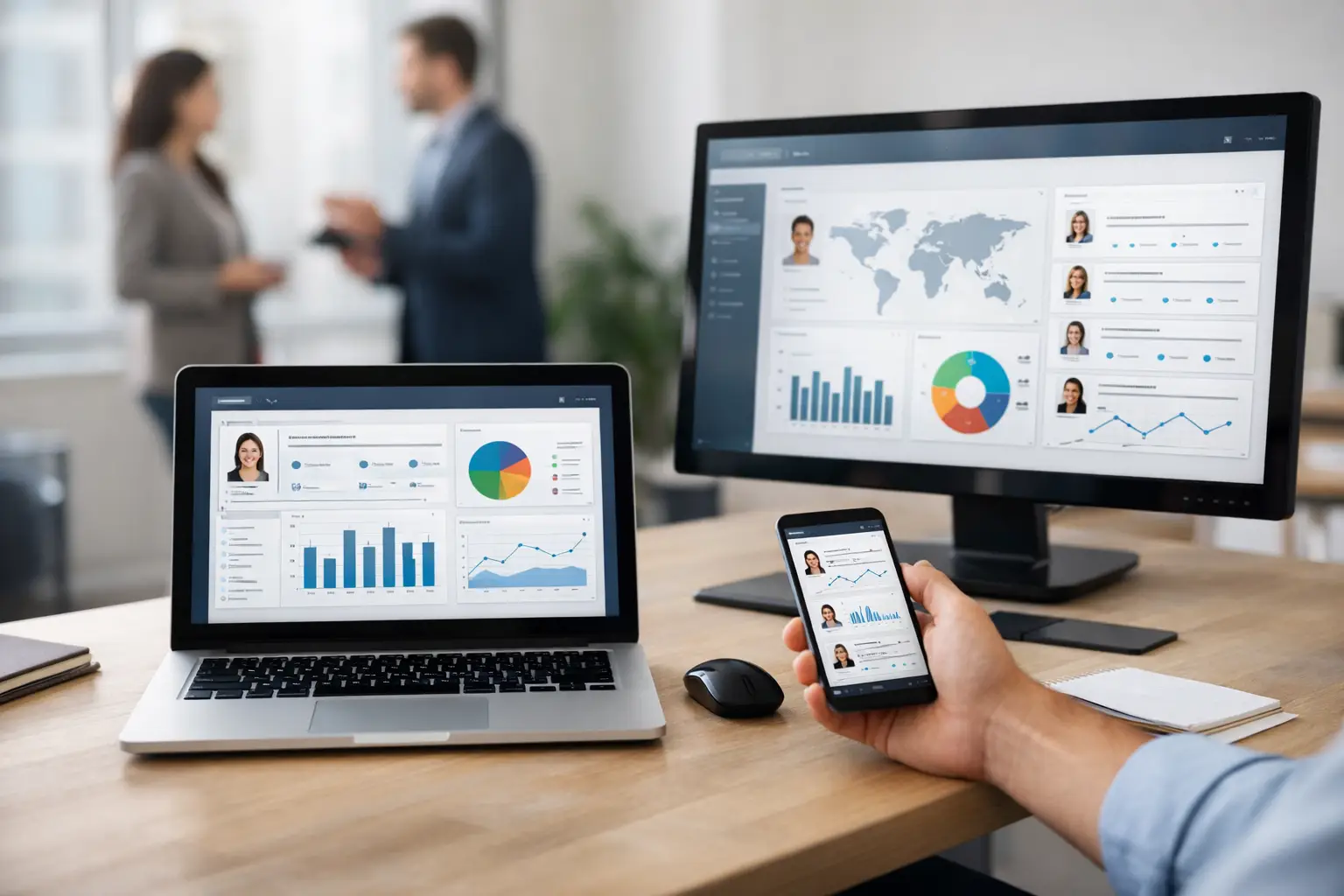

A recruiter dashboard should answer the questions that decide whether hiring moves or stalls: Which roles are at risk? Where are candidates dropping out? Which sources create qualified hires? What is waiting on a recruiter, interviewer, or hiring manager? The best platforms for recruiter dashboards do more than display metrics. They connect the metric to the workflow that needs attention.
Career Growth Strategies
Interview Preparation
Salary Negotiation Guide
Browse Job Categories
Dr.Job – Find Your Perfect Career
That distinction matters because most recruiting teams do not suffer from a lack of data. They suffer from scattered data. ATS reports sit in one system, sourcing performance lives in another, interview feedback arrives late in email, and spreadsheet forecasts become outdated before the weekly hiring meeting. A dashboard layered on top of this fragmentation can look polished while leaving operations just as slow.
The right platform creates one operational view of recruitment, then gives teams the ability to act from it.
What Makes a Recruiter Dashboard Worth Using
A useful dashboard is not a wall of charts. It is a decision system for talent acquisition. It should show pipeline health by role, recruiter, location, and department, while preserving the context behind every number.
For example, a 20-day increase in time to fill is not actionable on its own. Leaders need to see whether the delay comes from low response rates, too few qualified applicants, slow interview scheduling, overdue scorecards, approval bottlenecks, or offer turnaround. The platform must make the path from signal to action obvious.
The strongest recruiter dashboards share four characteristics:
- They pull data from the actual hiring workflow rather than relying on manual spreadsheet updates.
- They allow teams to filter by requisition, business unit, hiring stage, source, recruiter, and time period without creating a custom report every time.
- They combine lagging results, such as time to hire and cost per hire, with leading indicators, such as candidate response rates, stage aging, interview completion, and hiring-manager response time.
- They support action inside the same environment, whether that means moving a candidate, assigning a follow-up, escalating an approval, or adjusting a sourcing strategy.
That last point separates reporting software from recruiting infrastructure. Visibility without execution still leaves recruiters exporting data, sending reminders, and chasing decisions across disconnected tools.
The Best Platforms for Recruiter Dashboards by Operating Model
There is no universal winner. The best choice depends on whether your organization needs a recruiting system of record, a broader HR suite, a recruiting analytics layer, or a business intelligence platform. The trade-off is usually speed and workflow depth versus flexibility and enterprise-wide reporting scope.
Dr.Job for end-to-end recruiting operations
Dr.Job is built for employers that want the dashboard to operate as part of a unified Recruitment Operating System, not as a separate reporting destination. Its model brings job posting, sourcing, candidate pipeline management, AI-driven screening, video interviews, offer generation, e-signature, and compliance workflows into one environment.
That architecture changes what a dashboard can do. Instead of stitching together data from an ATS, video tool, sourcing platform, and offer system, talent leaders can track activity through a single hiring lifecycle. Pipeline conversion, candidate quality, recruiter workload, interview progress, and offer status are connected to the workflows producing those outcomes.
This is the strongest fit for growth-stage and enterprise teams that are actively reducing tool sprawl. The primary advantage is operational control: fewer handoffs, fewer reporting gaps, and a clearer source of truth. It is less suited to organizations committed to keeping a highly customized collection of best-of-breed recruiting tools, because consolidation is the point.
Greenhouse for structured hiring teams
Greenhouse is widely associated with structured hiring processes and disciplined interview evaluation. Its reporting can work well for companies that prioritize standardized scorecards, process consistency, and recruiter or department-level performance visibility.
For talent teams with mature interview practices, the platform’s value is the ability to measure whether the hiring process is being followed and where candidates move or fall out. It is especially relevant when a company needs governance around interview plans and feedback collection.
The trade-off is that teams often expand their stack around the core ATS for sourcing, scheduling, analytics, and other functions. That can produce useful dashboards, but leaders should verify whether all critical workflow data is available in one reporting view or still requires integrations and manual reconciliation.
Lever for ATS and CRM visibility
Lever combines applicant tracking and candidate relationship management, making it a practical choice for teams that place significant weight on talent pipelines and proactive outreach. Its dashboards can help recruiting leaders compare inbound activity with nurtured candidate performance and understand the contribution of recruiting campaigns.
This model fits organizations that need recruiters to manage active applicants and future talent pools in the same platform. It can be valuable for recurring hiring needs, where sourcing is not a one-time activity tied to an open requisition.
The limitation is common to many ATS-centered platforms: the dashboard is only as complete as the data captured in the system and connected applications. If interviews, approvals, offers, or workforce plans live elsewhere, reporting can become a coordination project.
Ashby for analytics-driven talent teams
Ashby is often considered by teams that want deep recruiting analytics alongside ATS and CRM functionality. Its strength is analytical flexibility. Talent operations teams can examine funnel performance, recruiter capacity, source effectiveness, and process trends with more granularity than basic reporting modules typically offer.
This can be a strong option for data-literate companies with dedicated recruiting operations resources. Teams that know exactly which metrics they want to inspect and how they want to segment them may appreciate the control.
More analytical power also creates a responsibility: leadership must establish metric definitions and operating rituals. A highly configurable dashboard does not automatically create alignment. If every department defines a qualified candidate, hiring stage, or source differently, detailed reporting can amplify confusion rather than resolve it.
Workday for enterprise HR alignment
Workday makes sense when recruiting reporting must sit within a wider human capital management environment. Large enterprises may need hiring data alongside headcount planning, finance, compensation, payroll, and workforce analytics. In that scenario, broad enterprise alignment can matter more than recruiter-level speed.
Its dashboard value is strongest for organizations with established Workday ecosystems, complex governance requirements, and centralized reporting teams. It can support executive reporting across the employee lifecycle.
The trade-off is implementation weight and day-to-day usability. Recruiting teams that need rapid workflow changes or a more specialized recruiting experience should assess how quickly dashboards and processes can adapt to new hiring demands.
Tableau or Power BI for custom executive reporting
Tableau and Power BI are business intelligence platforms, not recruitment systems. They are the right choice when an organization needs recruiting data blended with finance, sales, workforce planning, or operational data from many systems.
They can create highly tailored executive dashboards, particularly for enterprises with strong data engineering and analytics functions. A leadership team can analyze hiring capacity against revenue plans, attrition, regional expansion, and budget in one place.
But these platforms do not run recruiting. Data pipelines must be built, maintained, and governed. A dashboard may identify a stalled interview stage, yet recruiters still need to open another system to find candidates, send reminders, or move work forward. BI is powerful for enterprise analysis, but it is not a replacement for an integrated hiring workflow.
How to Choose a Recruiter Dashboard Platform
Start with the operating problem, not a feature checklist. If executives cannot trust hiring numbers, prioritize data consistency and clear ownership. If recruiters lose time switching between tools, prioritize workflow consolidation. If talent operations needs sophisticated cross-functional analysis, prioritize configurable reporting and a reliable data model.
Then test the dashboard against real hiring questions. Ask a vendor to show one open role that is behind plan. Can a recruiting manager identify the bottleneck in seconds? Can they see which candidates are affected, who owns the next step, and what action is overdue? Can they compare that role against similar roles without exporting data?
Also examine data freshness. Weekly reports are useful for planning, but they are too slow for rescuing a candidate experience or preventing an offer from aging out. For active hiring, the dashboard should reflect current workflow status, not last week’s snapshot.
Finally, measure the cost of fragmentation honestly. A lower subscription price can hide expensive manual work: data cleanup, report building, duplicate entry, integration maintenance, recruiter follow-ups, and leadership meetings spent debating whose numbers are correct. The cheapest dashboard is rarely the one with the lowest license cost. It is the one that removes the most operational drag.
Metrics That Should Drive Action
Every organization needs baseline hiring metrics such as time to fill, time to hire, funnel conversion, source quality, offer acceptance, and recruiter workload. But dashboard design should match the decisions your team makes.
A recruiting manager may need stage-aging alerts and interviewer turnaround time. A head of talent may need capacity by recruiter, forecasted hires, and source-to-hire quality. A CFO may need hiring plan attainment, cost trends, and open-role risk. One dashboard cannot serve every audience if it treats every metric as equally urgent.
The best systems use a shared data foundation while giving each leader a focused view. That prevents two predictable failures: executive dashboards so high-level that recruiters cannot act on them, and recruiter reports so detailed that leaders cannot see business risk.
Hiring does not improve because a team has more charts. It improves when every bottleneck has an owner, every decision has current context, and every part of the workflow runs from the same source of truth. Choose the platform that makes that operating standard possible.
Frequently Asked Questions
Q: What are professionals jobs in this field?
A: professionals positions in this field involve professional roles that combine technical expertise with industry knowledge. These positions are in high demand and offer competitive compensation.
Q: How much do professionals earn in this field?
A: Salaries for professionals in this field vary based on experience, qualifications, and specific employer. Entry-level positions typically start at competitive rates, while senior professionals command premium compensation packages.
Q: What skills are required for professionals?
A: Key skills for professionals include technical expertise, problem-solving abilities, communication skills, and industry-specific knowledge. Most employers also value certifications and relevant experience in the field.
Q: Where can I find professionals jobs in this field?
A: You can find professionals opportunities on Dr.Job Pro, the leading job platform in the region. The platform features thousands of verified positions from top employers across this field.
Q: What’s the job market outlook for professionals?
A: The professionals field is experiencing strong growth, with increasing demand from companies across this field. Professionals in this field have excellent career prospects and opportunities for advancement.